
A Chrome extension for ATPLQuestions
Sit the exam before exam day.
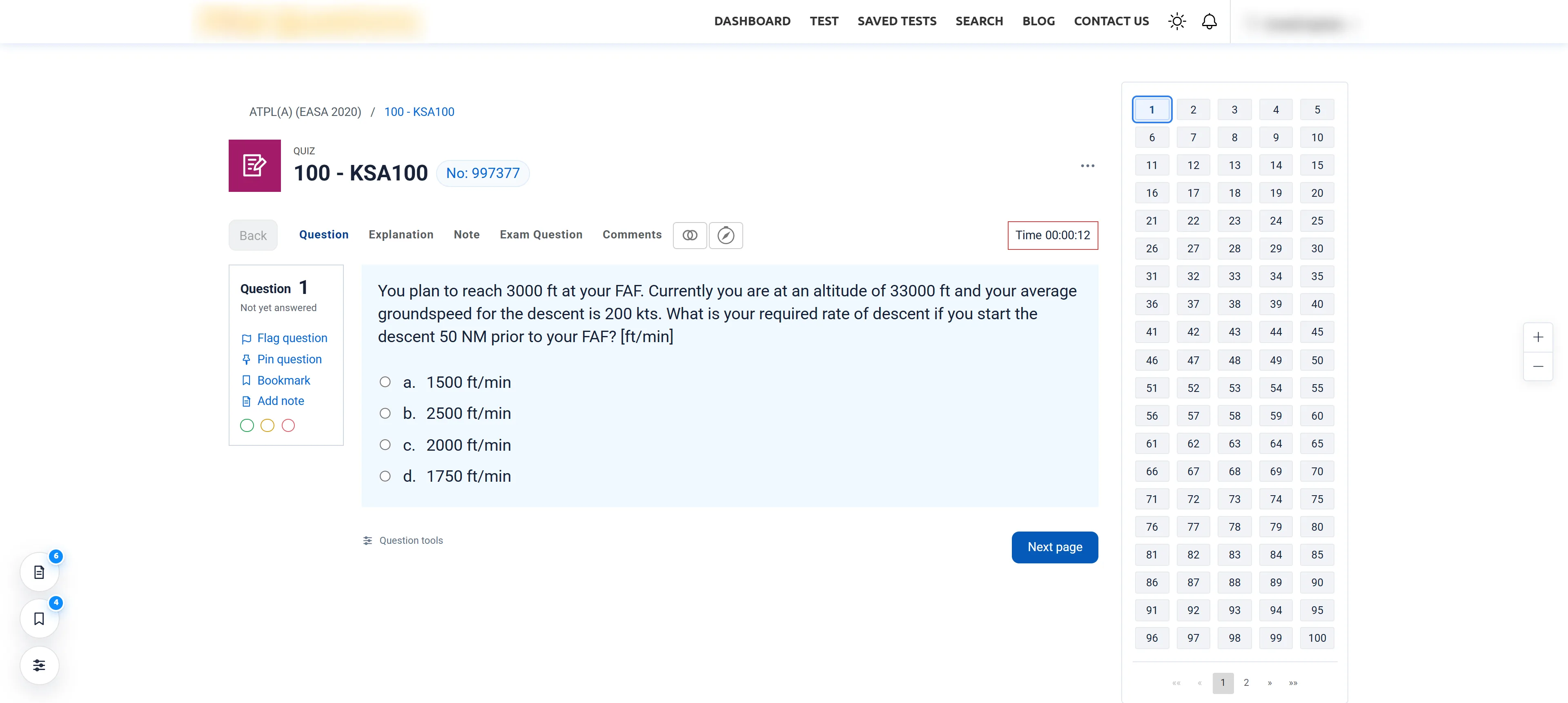
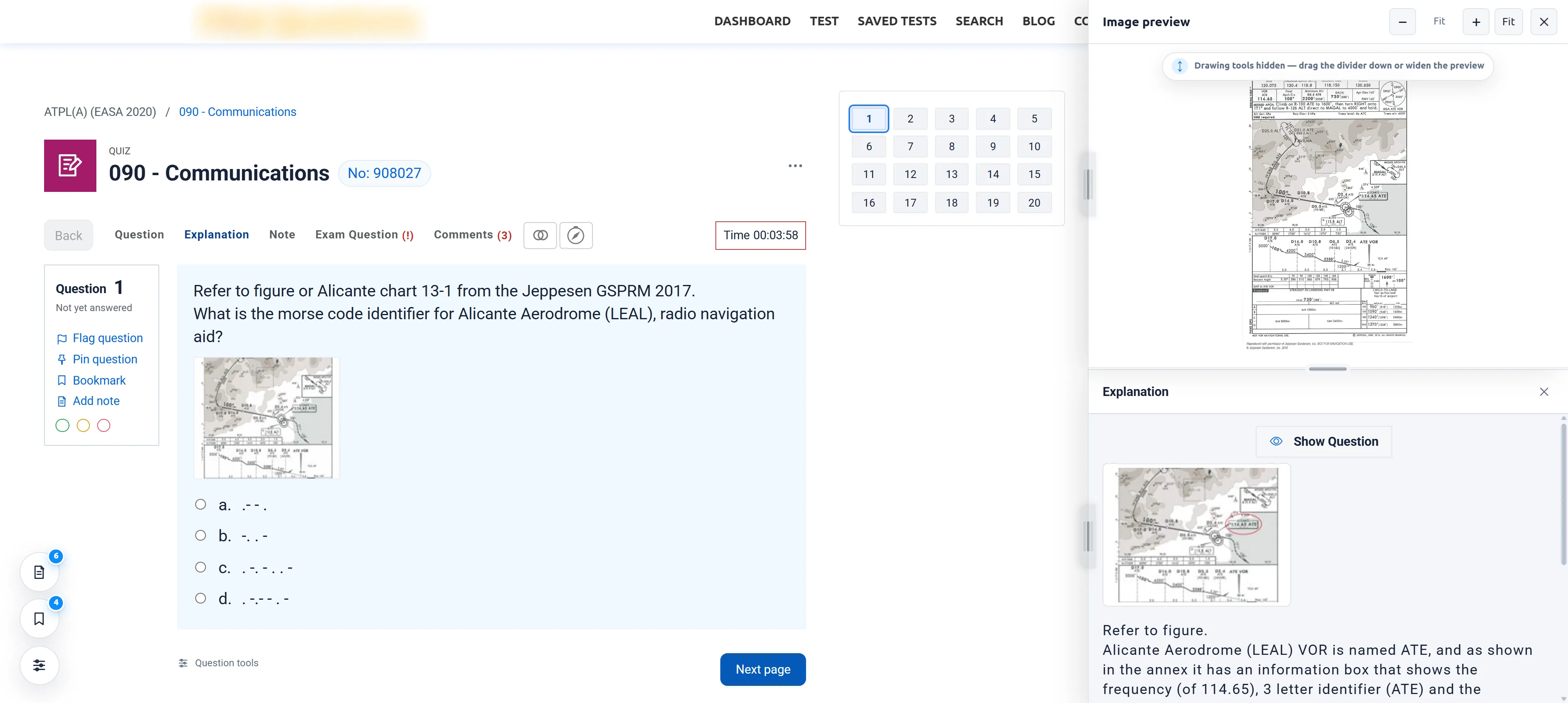
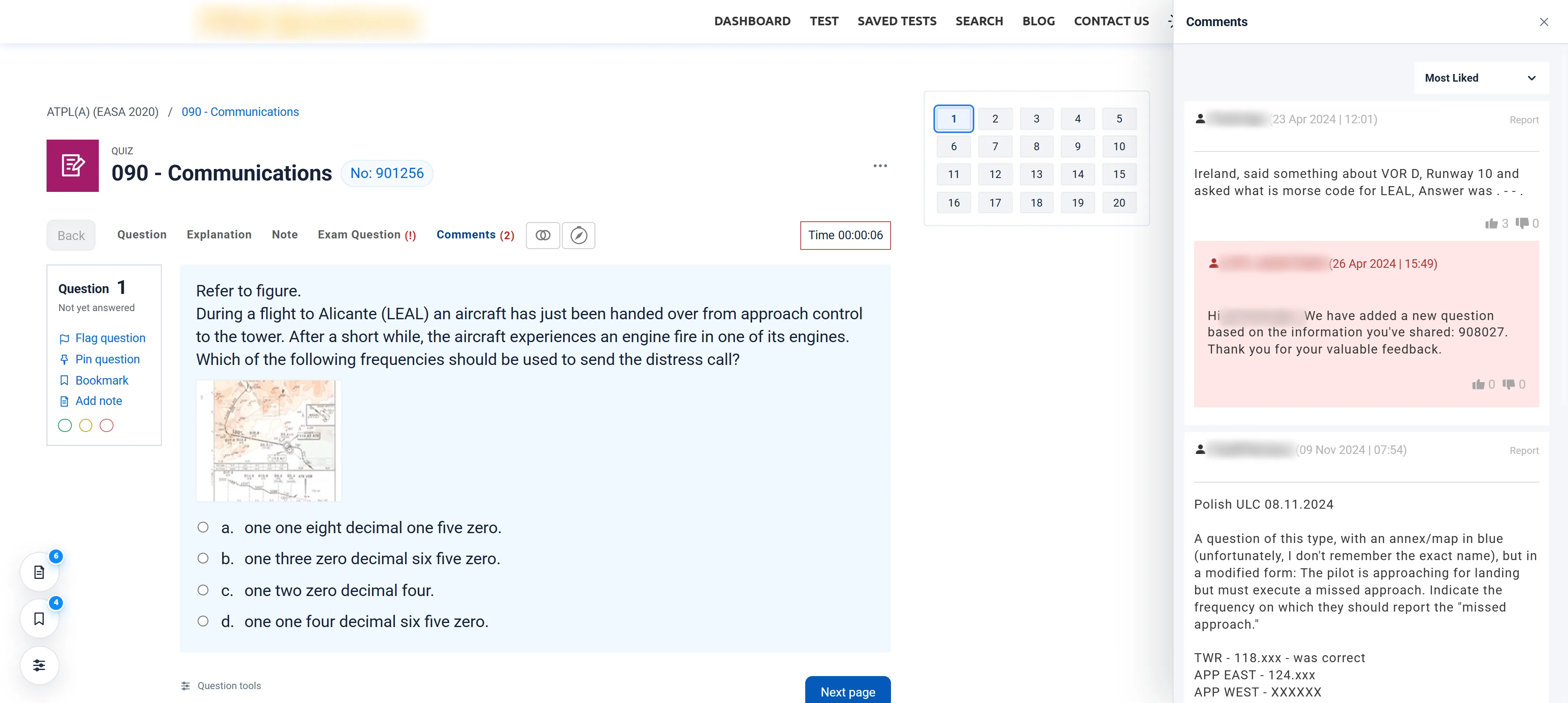
ATPL Classic turns the ATPLQuestions quiz into a calm, exam-style screen — and puts scratch paper, flags, bookmarks, and side-by-side explanations and comments right where you answer.
AThe idea
Familiar is fast.
Pilots rehearse in simulators so the real aircraft holds no surprises. ATPL Classic brings the same idea to theory: practise on a plain, exam-style screen until the format is second nature — so on the day, the only new thing is the questions.
-
01
Exam first.
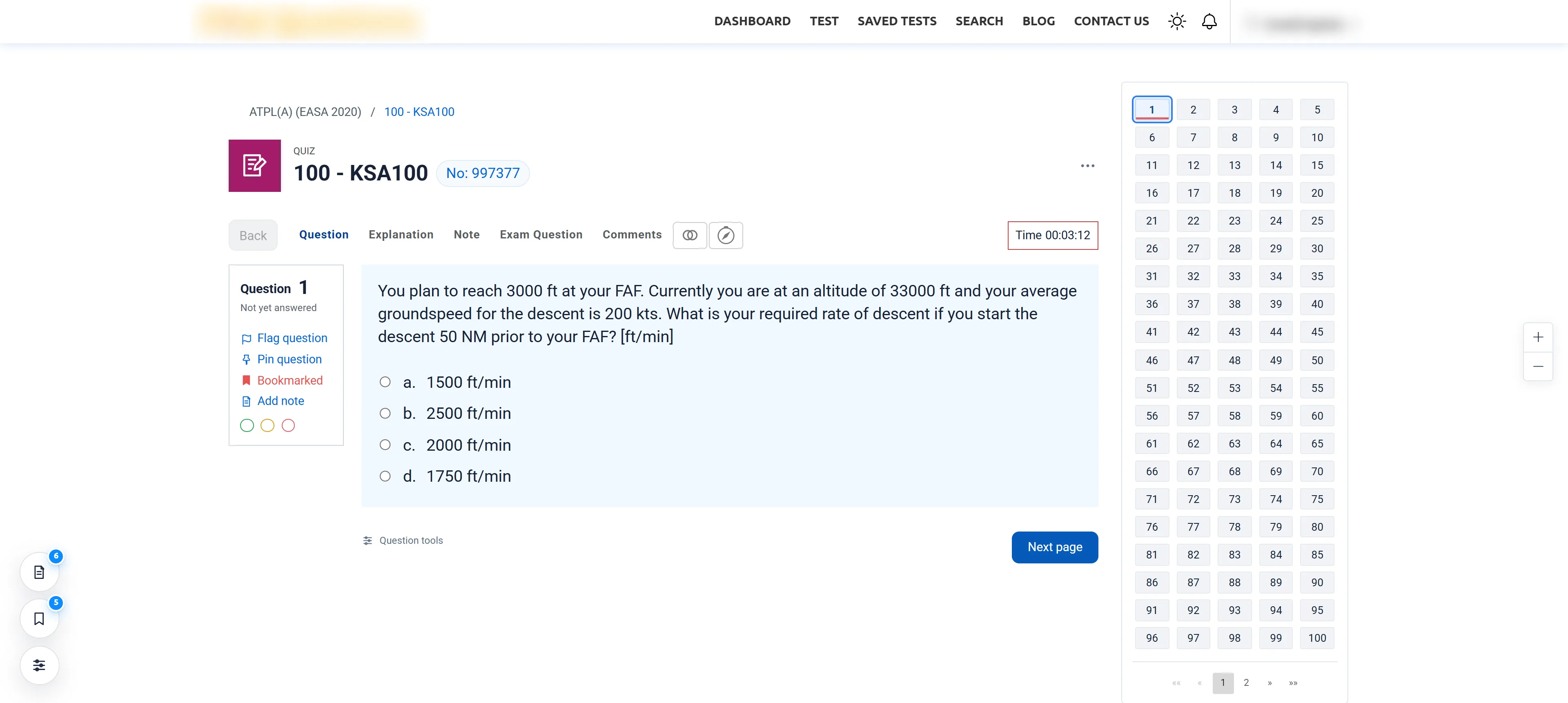
A plain header, a boxed question, a clear clock and a navigator that keeps your place. Nothing competes with the question.
-
02
Your working stays with the question.
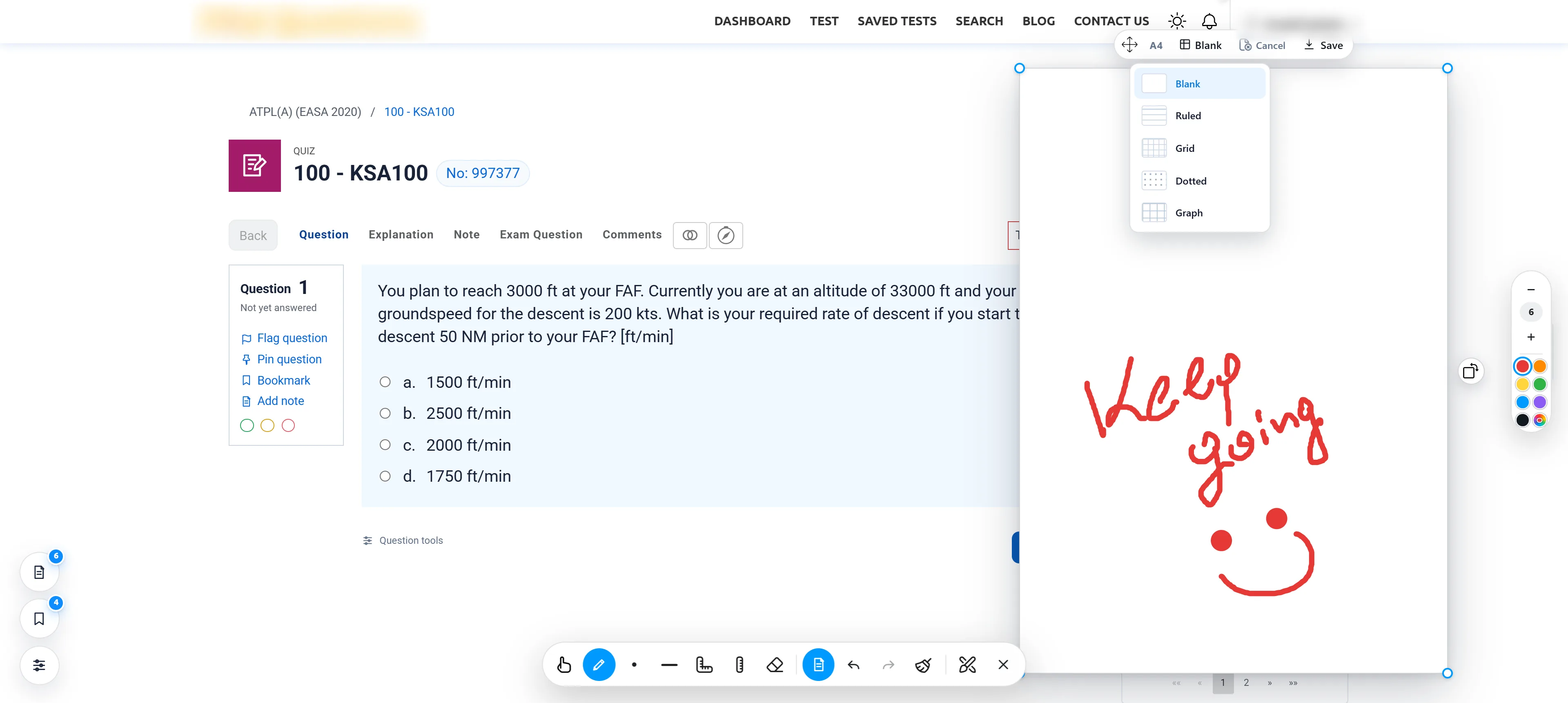
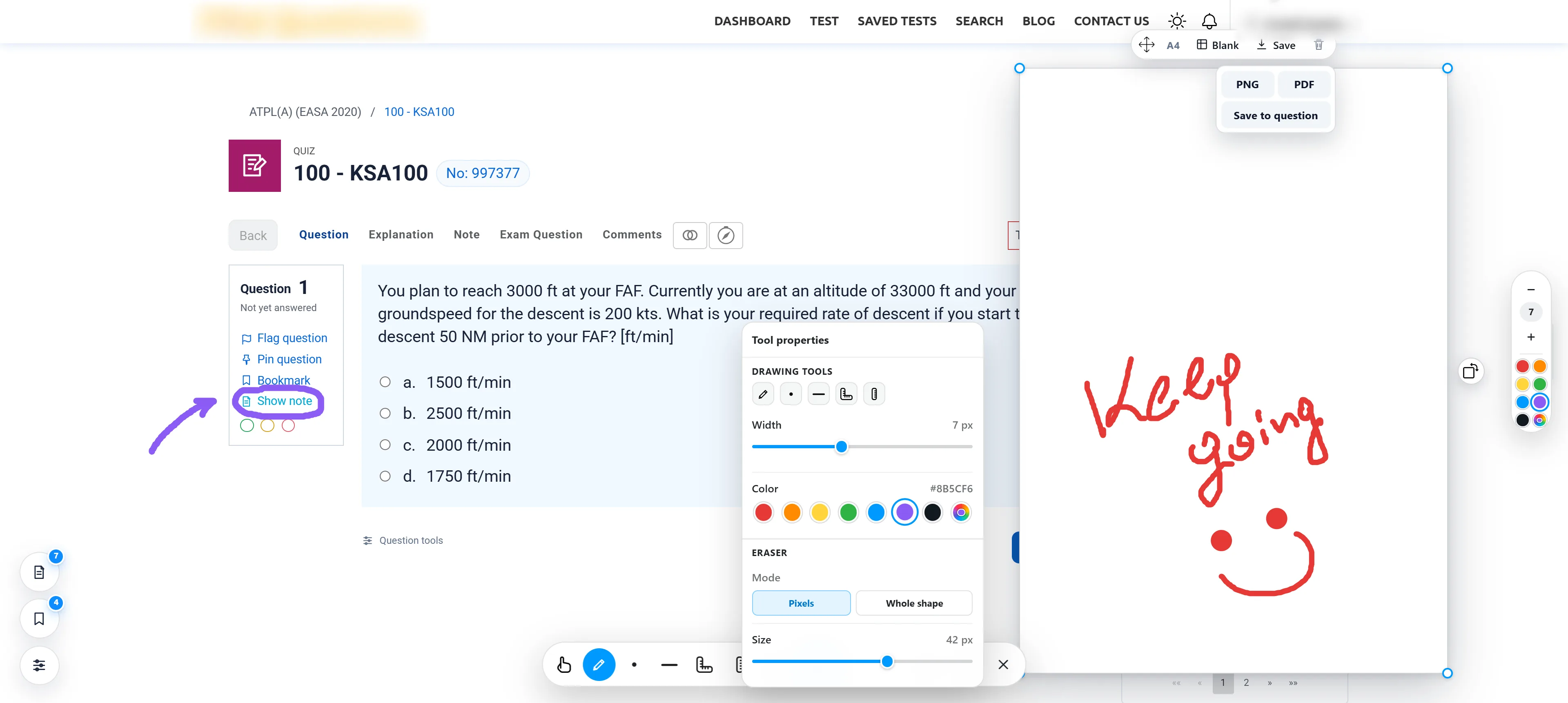
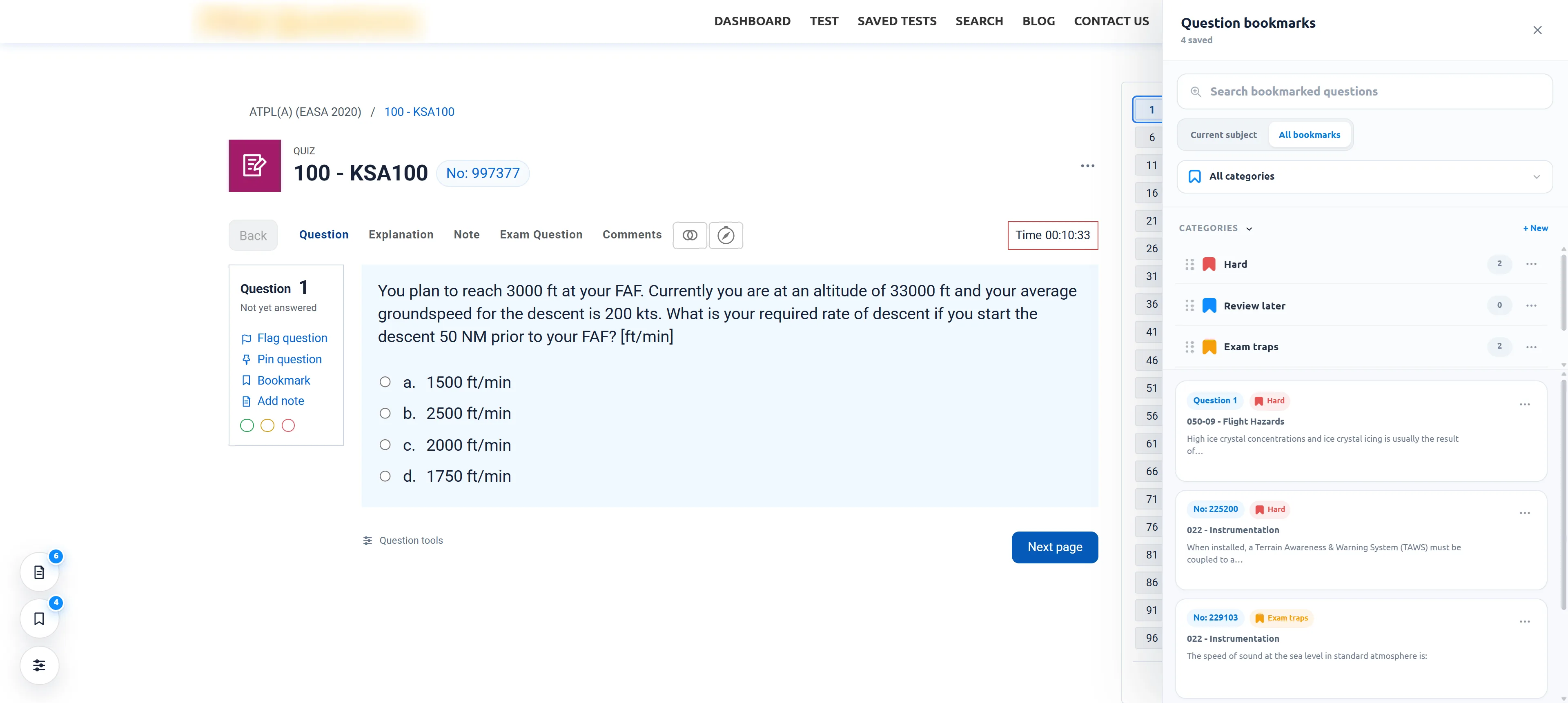
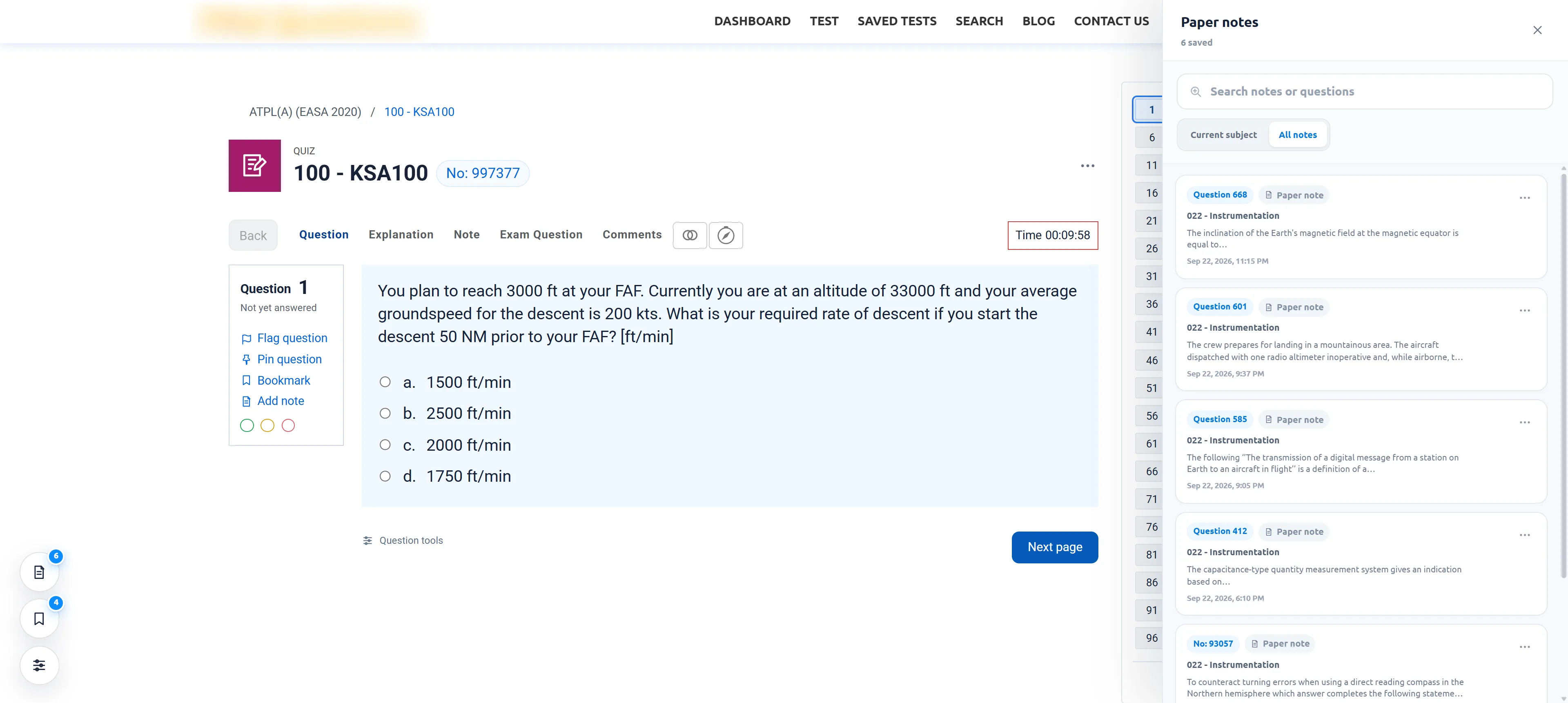
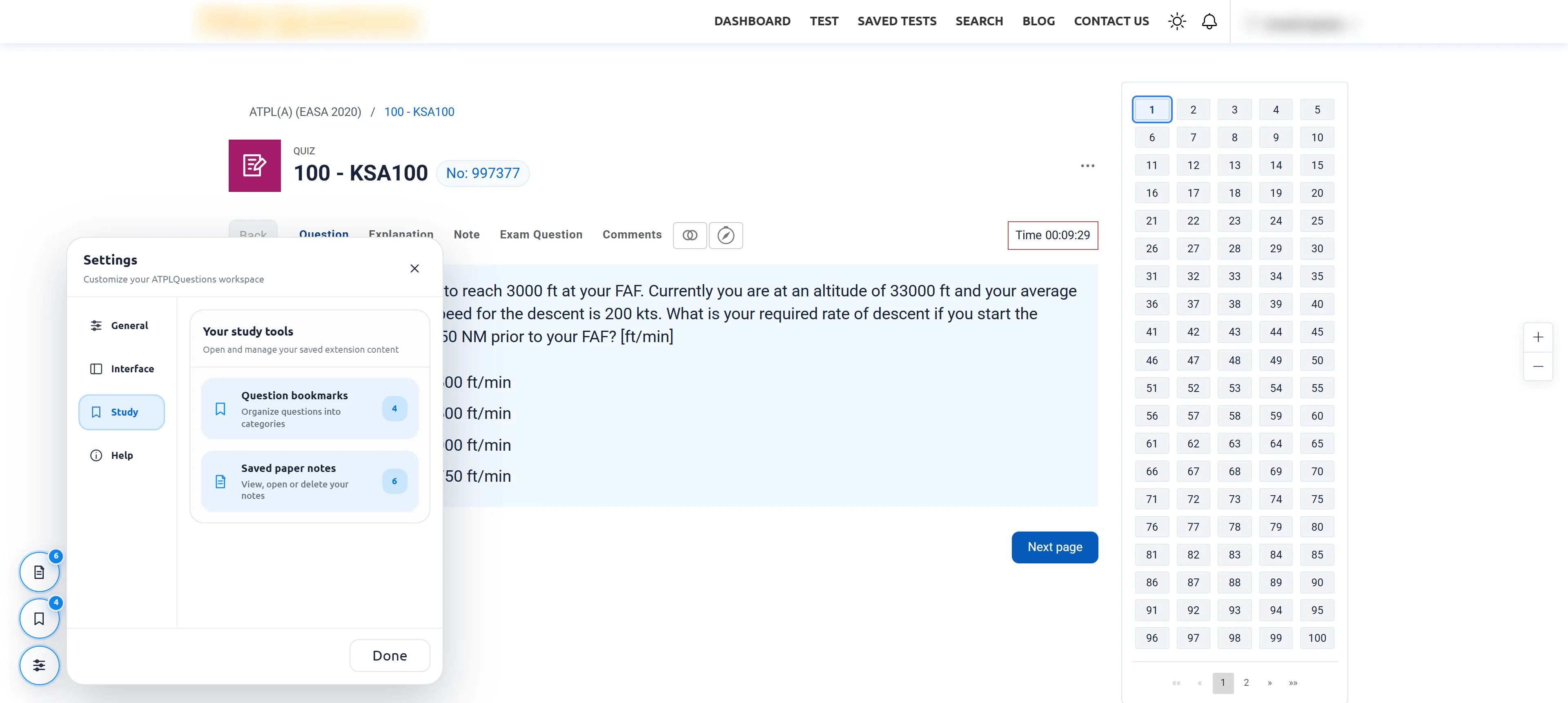
Scratch paper, bookmarks and notes are saved against the exact question they belong to — and they’re there when you come back.
-
03
ATPLQuestions stays in charge.
Flags, answers, the timer and comments are the site’s own. ATPL Classic operates the native controls; switch it off and the original page returns.
-
04
Nothing leaves your browser.
No accounts, analytics or servers. It runs only on app.atplquestions.com and asks for a single permission: storage.
BWalkaround
Take the walkaround.
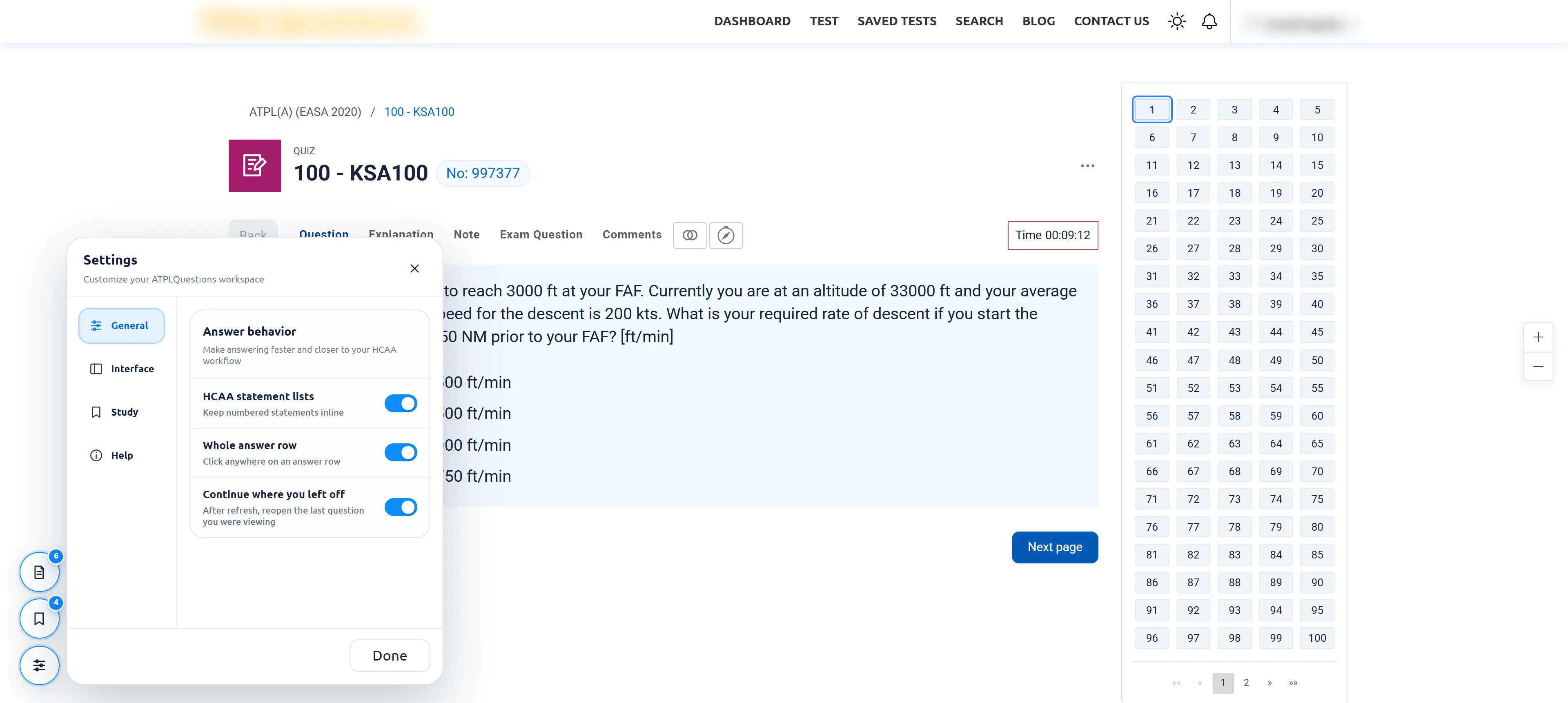
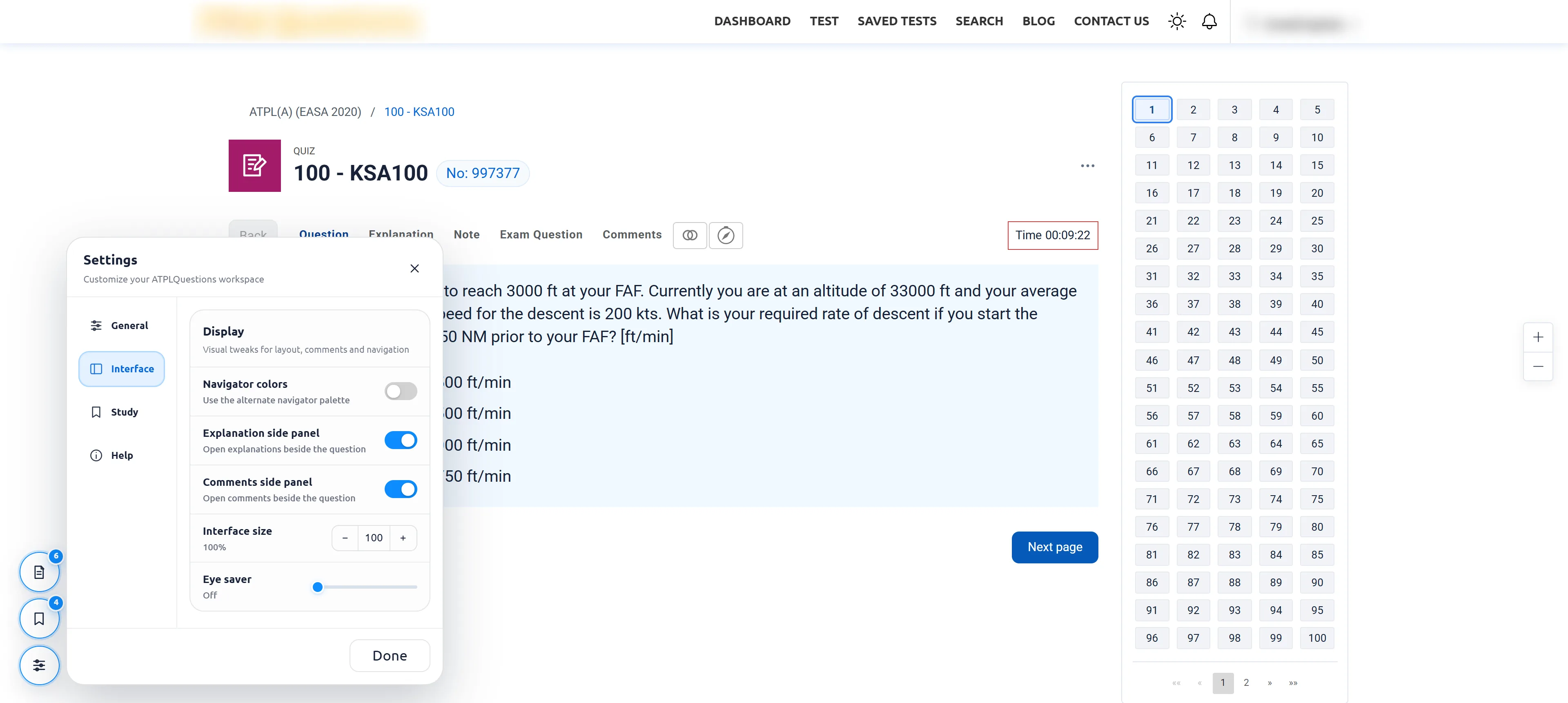
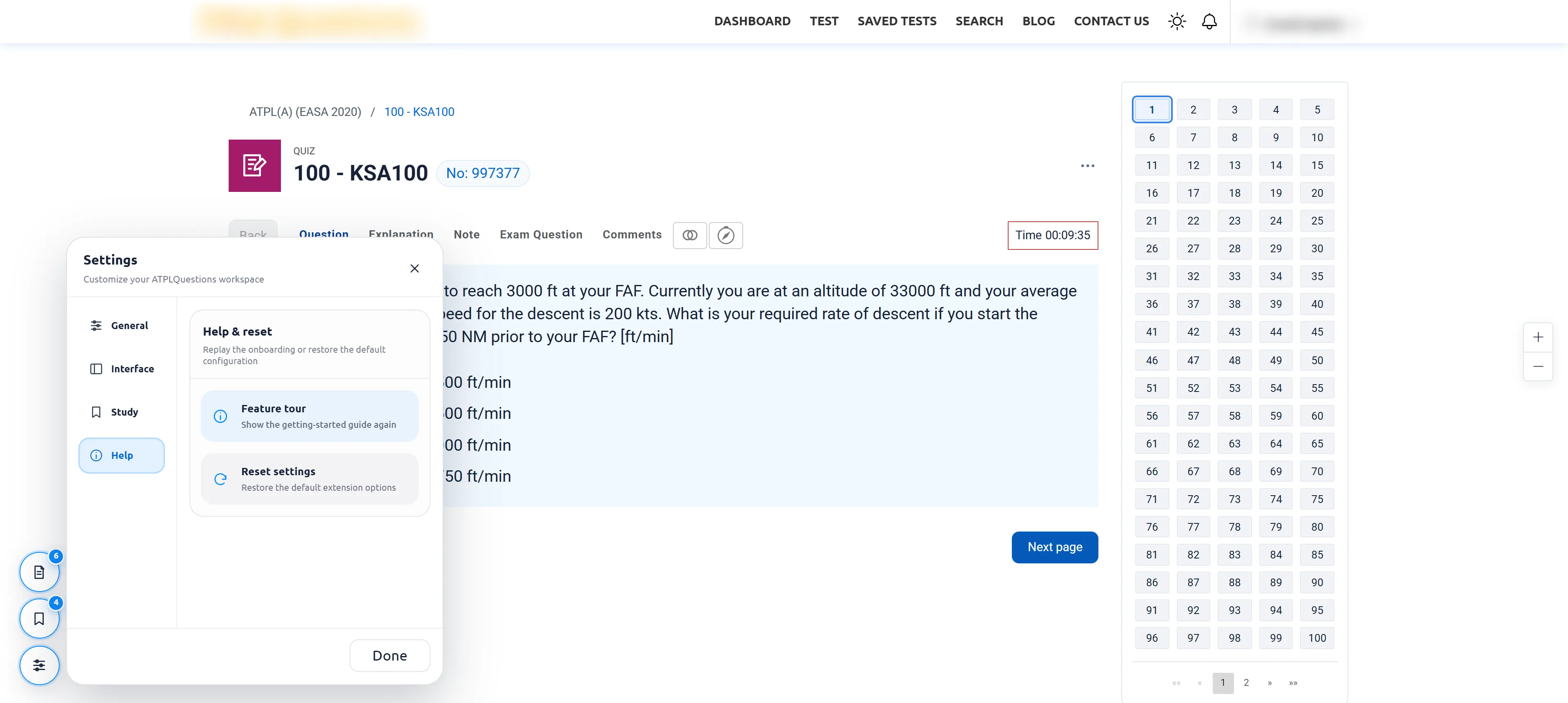
Before every flight, a pilot walks around the aircraft and checks it item by item. Do the same here: 24 stops across the real interface. Pick a stop and the camera moves to it.
Phase 1 The screen
Phase 2 Mark it
Phase 3 Work it out
Phase 4 Look closer
Phase 5 Review later
Phase 6 Set it up
CDay & Night
Day & Night.
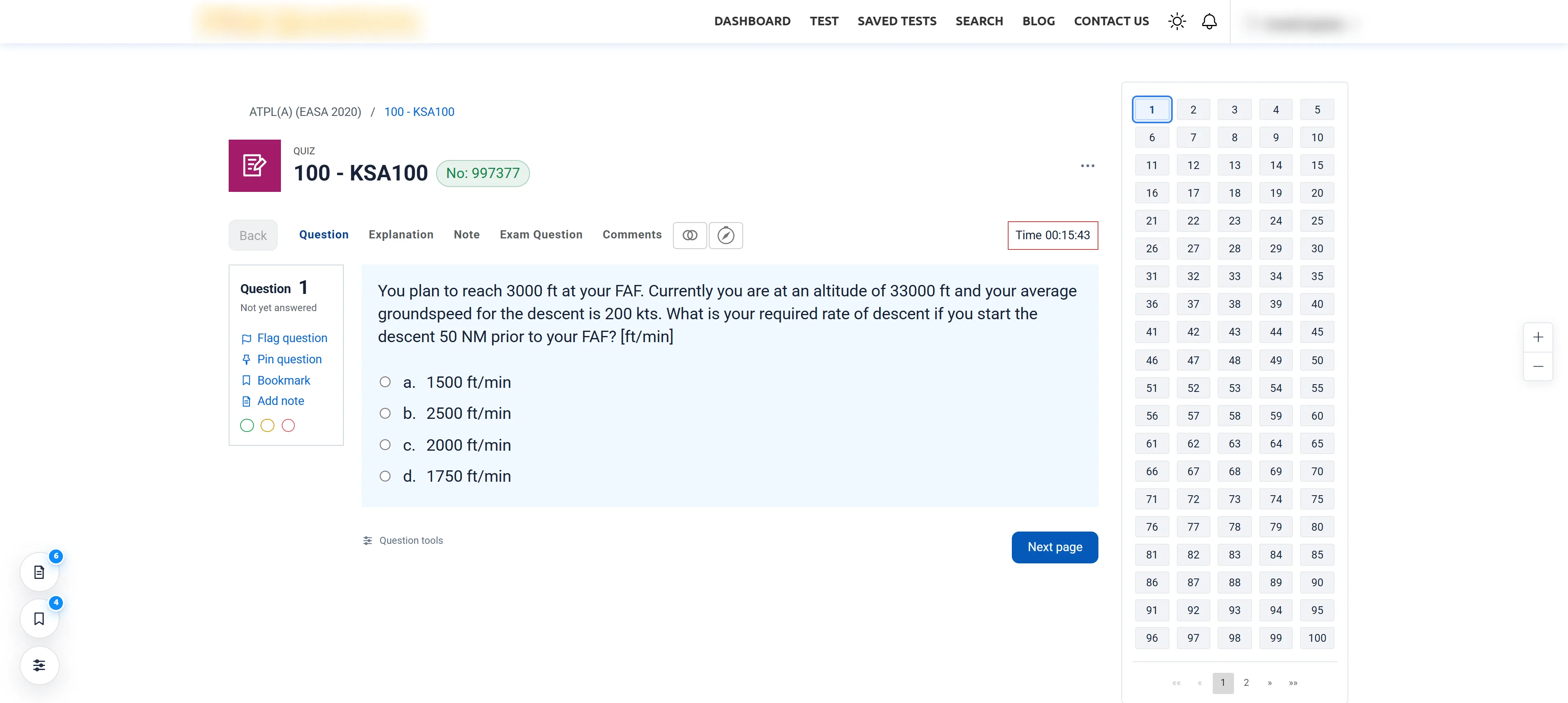
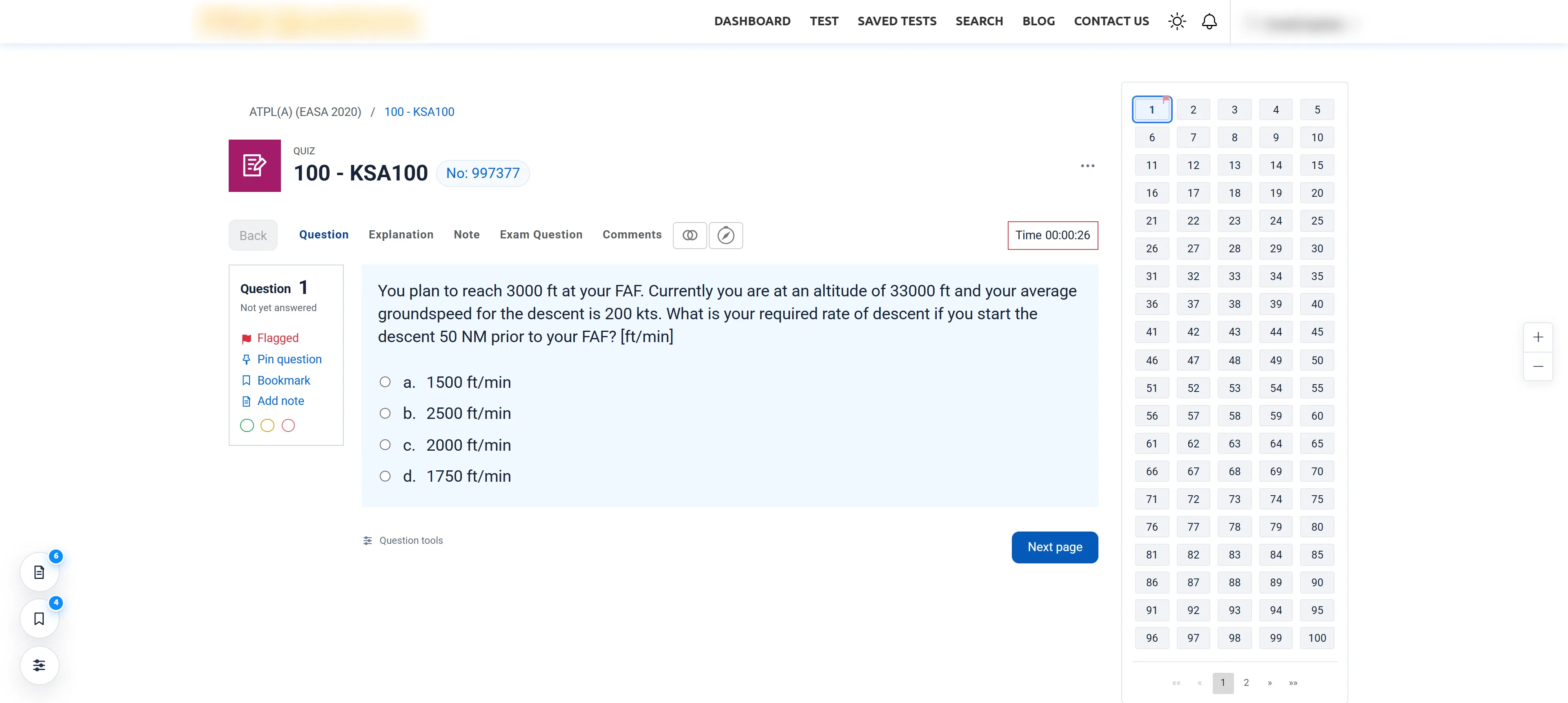
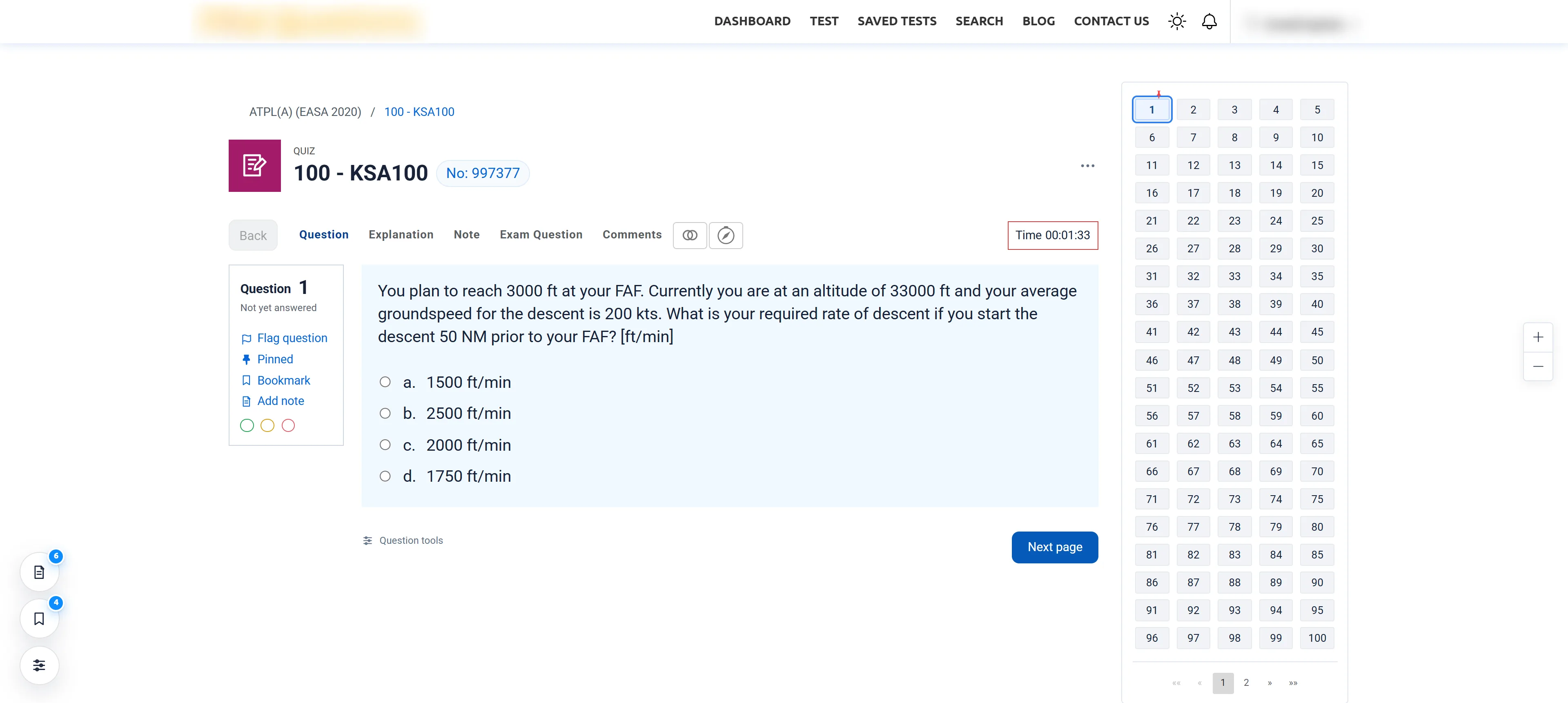
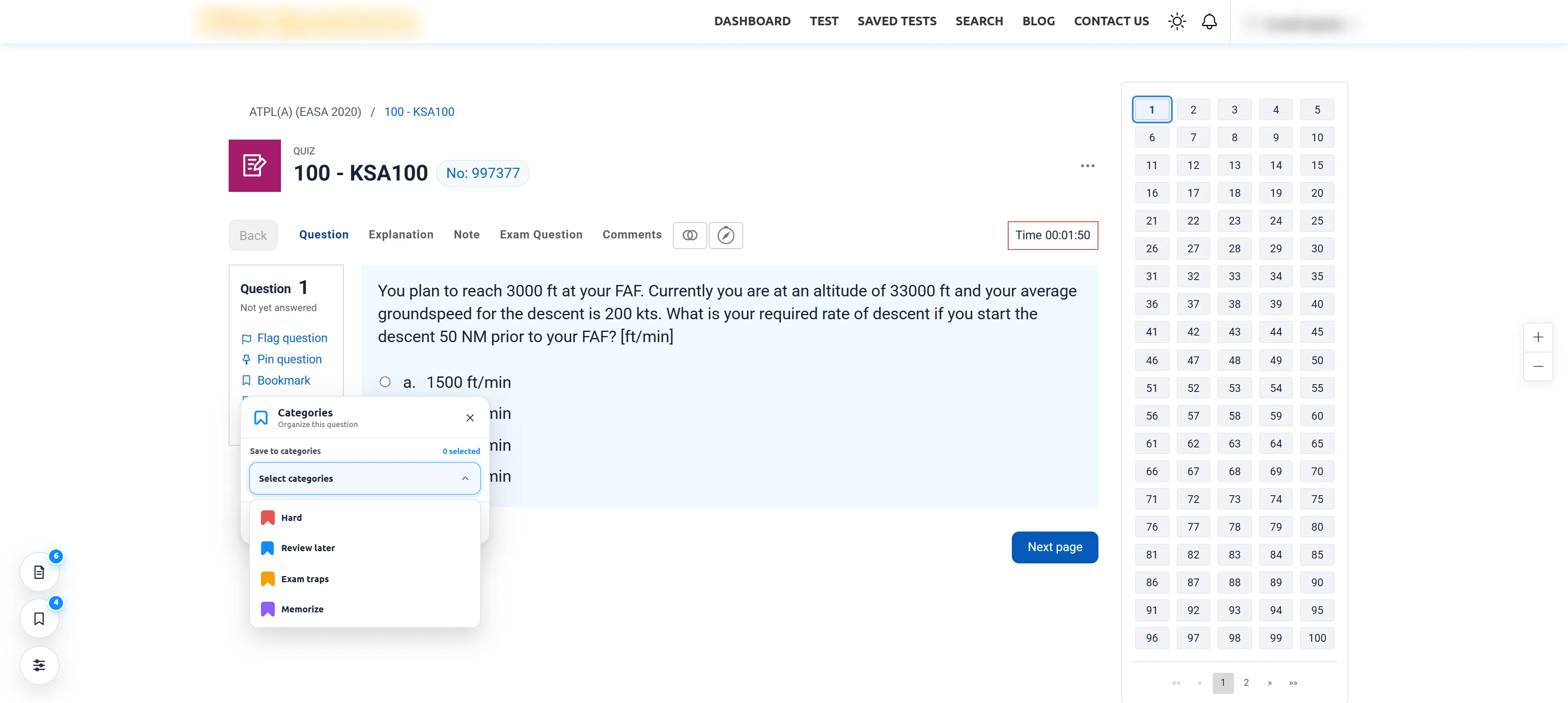
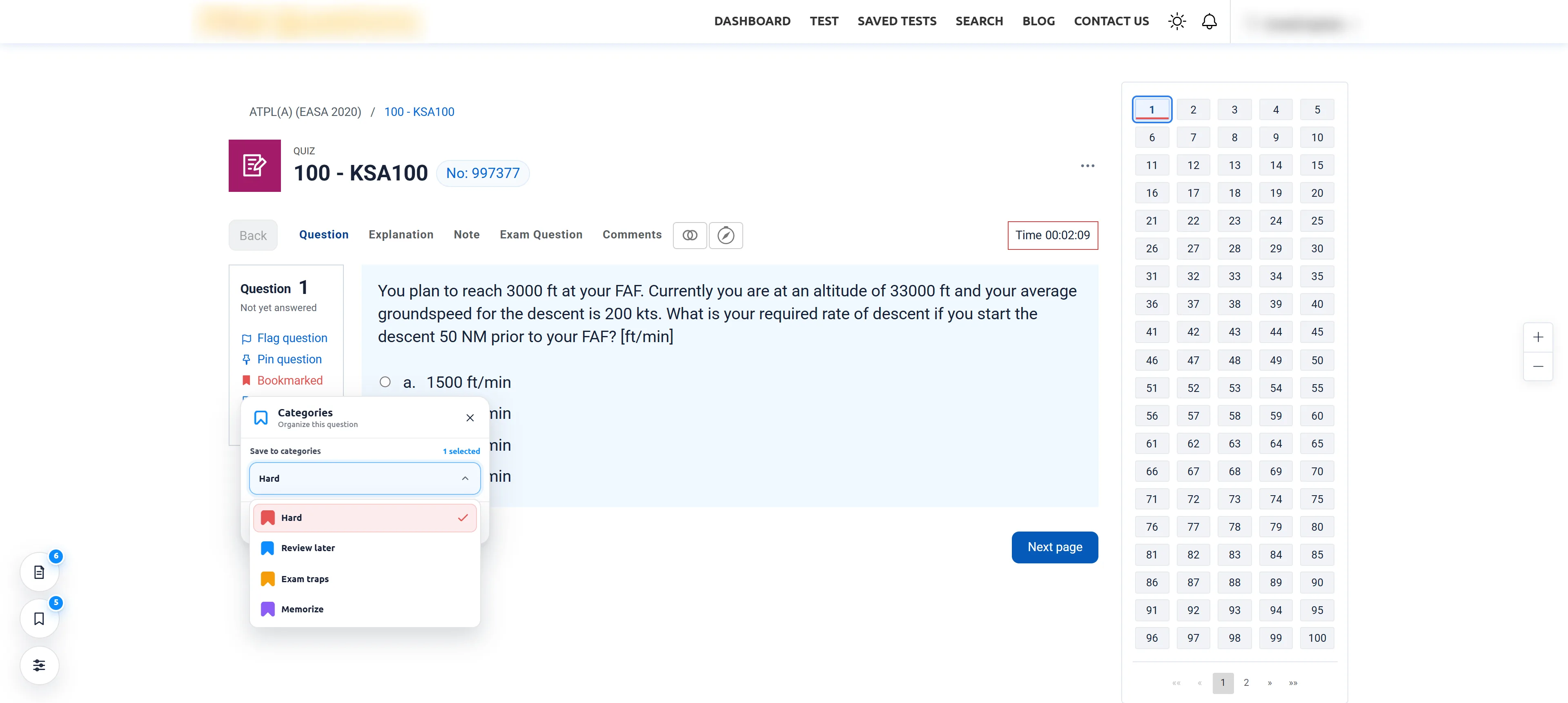
Long study days end late, so theme gets a category of its own. ATPL Classic follows ATPLQuestions’ own sun and moon switch — same layout, same navigator, same tools, at 2 p.m. or 2 a.m.
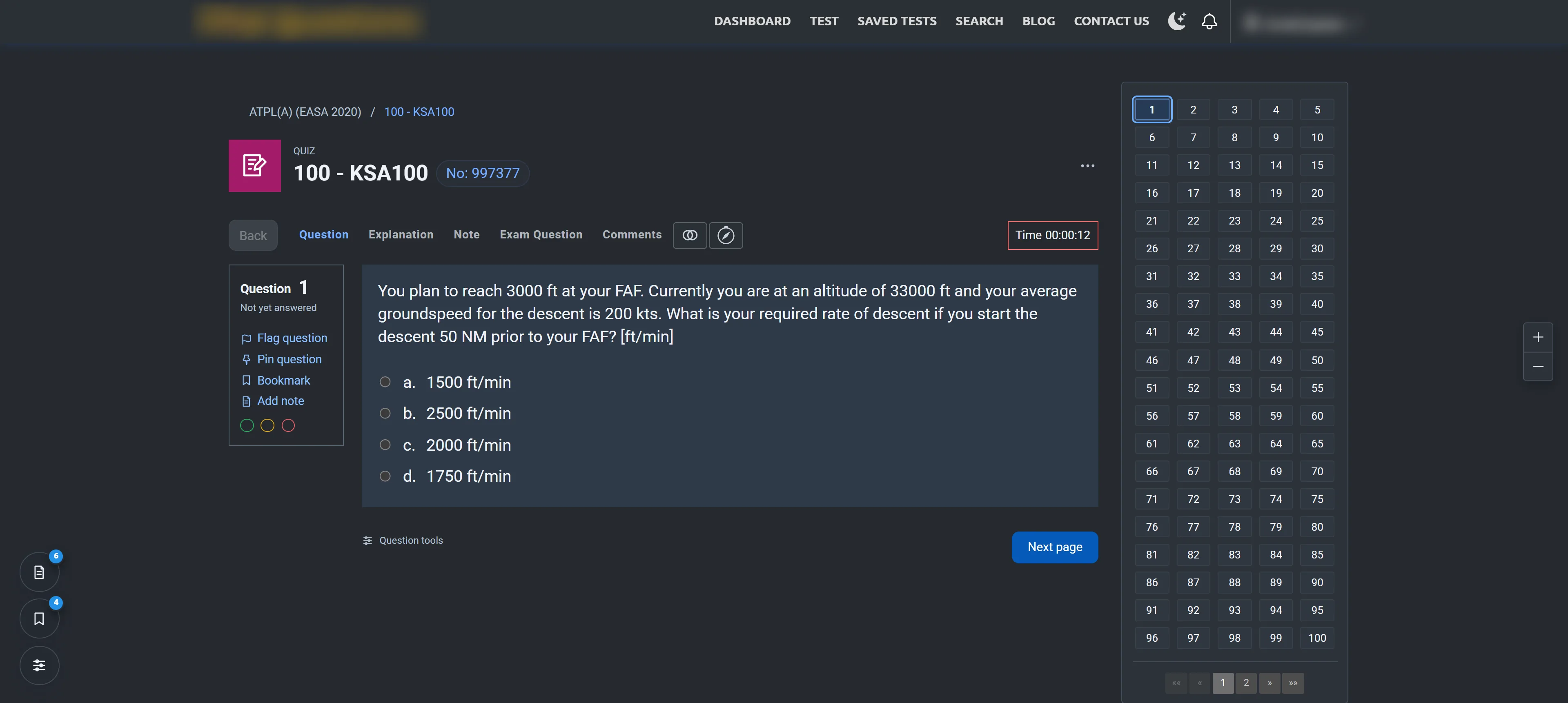
Follows the site
Switch ATPLQuestions to dark and ATPL Classic follows. There’s no second theme setting to keep in sync.
Readable in the dark
The current question tile, review flags and answer states keep their contrast on the night palette.
Eye saver for daylight
In the light theme, a 0–100% slider adds a warm tint and gentle dimming for long sessions.
This page, too
Use the Day / Night switch at the top of this website. It follows your system until you choose.
EPrivacy
What happens in your browser stays there.
No account with us, nothing sent to us. Here is everything the extension touches, in plain words.
Read the extension privacy noticeRuns on one website
Only on app.atplquestions.com. Every other site you visit is untouched.
One permission: storage
Used for your settings, bookmarks and paper notes — inside your own browser.
No analytics, ads or tracking
No remote code either. Question content, answers, comments and notes are never sent to the developer or any third party.
Images come from ATPLQuestions
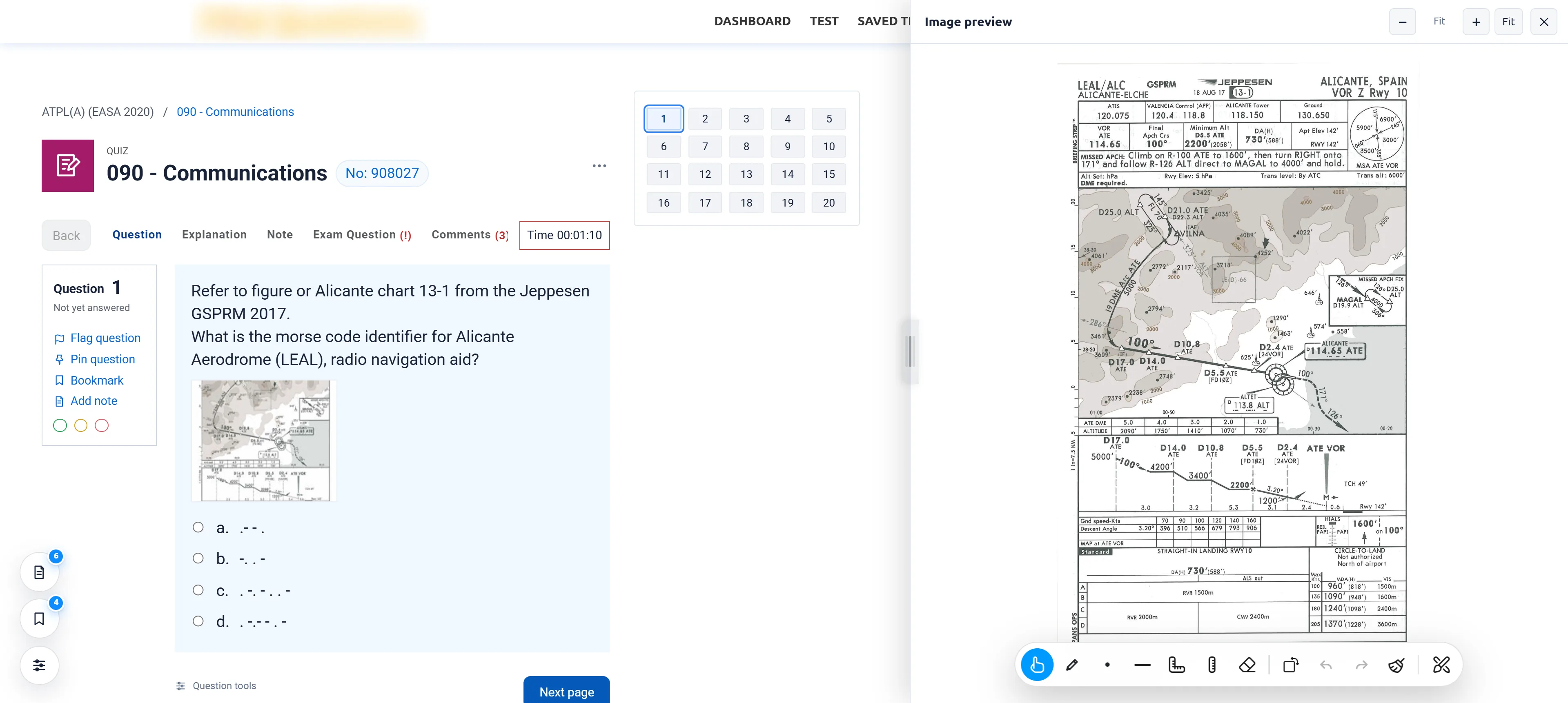
For the split image view, the full-size picture may be requested directly from ATPLQuestions with your existing session.
A recovery copy, on your terms
A compressed backup lives in ATPLQuestions site data on the same browser profile. Turn it off, clear it, or export a JSON backup any time.
This website, too
No cookies, analytics or third-party requests. It remembers one thing: your Day / Night choice.
FInstall
Ready for departure.
Two minutes from here to your next practice test. Work through the checklist — tap each line as you go.
Before study0 / 5
Checklist complete. Cleared to study.
GQuestions
Questions, answered.
Is this an official ATPLQuestions product?
No. ATPL Classic is an independent project. It isn’t affiliated with, endorsed by or produced by ATPLQuestions, and you use it with your own ATPLQuestions account.
Will it change my answers, progress or statistics?
No. Questions, answers, review flags, colour flags, the timer and comments stay with ATPLQuestions. The extension presses the site’s own controls and never keeps a separate copy of your answers.
Does it work in Exam mode as well as Study?
Yes. The layout applies to both Study and Exam quiz pages, with the same question navigator. Other ATPLQuestions pages keep their original look.
Can I go back to the original layout?
Any time. Switch Classic layout off from the extension’s toolbar popup and the added interface is removed, with the original page restored.
Where are my notes and bookmarks saved?
In your browser. An automatic recovery copy is kept in ATPLQuestions site data on the same browser profile, so clearing that site data clears the copy too. For a separate backup, export a JSON file from the extension settings.
Will it remember where I was?
Yes, if you want it to. With Continue where you left off switched on in Settings → General, refreshing the page reopens the question you were viewing.
Are there shortcuts?
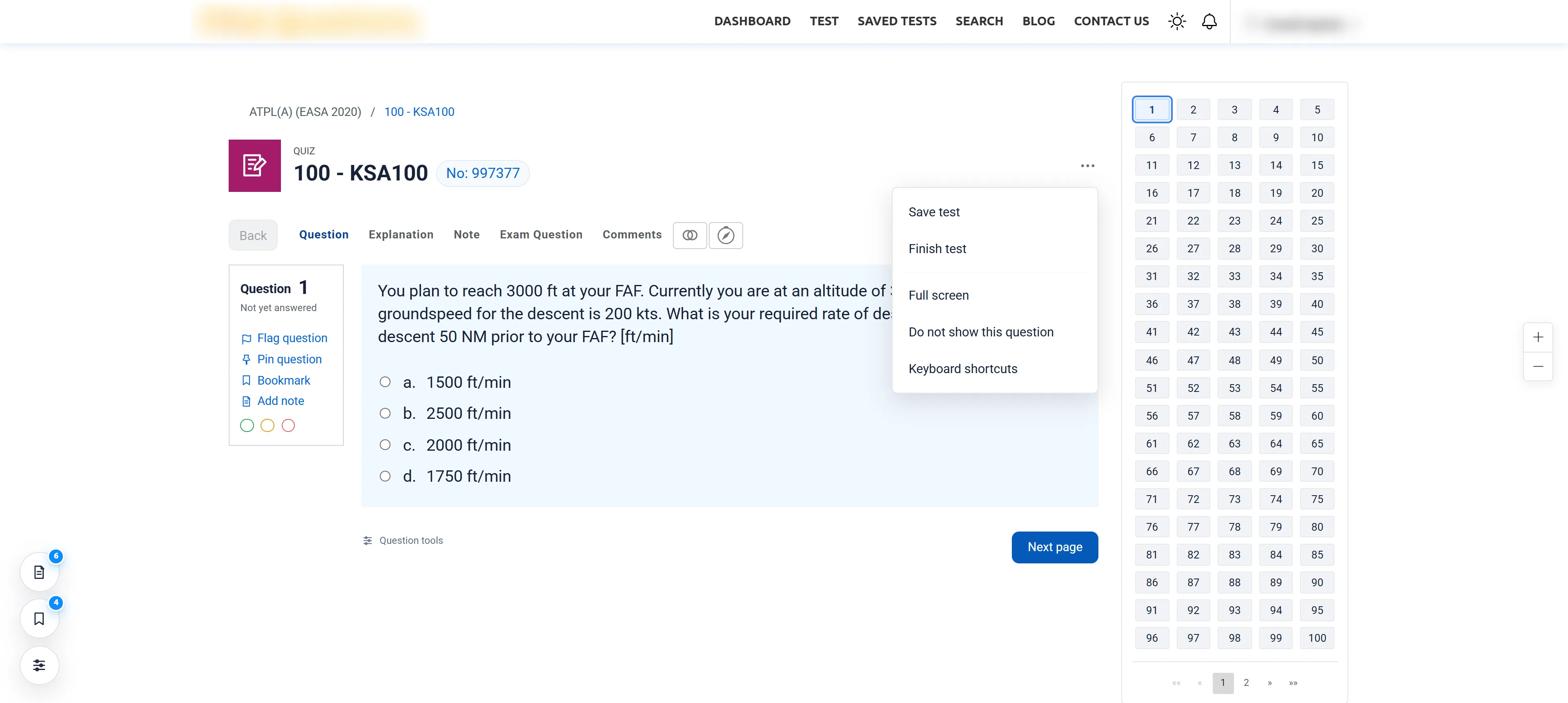
Use ← and → to move between questions. Hold Shift while drawing to snap lines to 45°. Right-click the page and choose Draw on screen to annotate, and find the site’s full list under ⋯ → Keyboard shortcuts.
Which browsers are supported?
Desktop Chrome, installed from the Chrome Web Store. Phones and tablets can’t run Chrome extensions — use the share button in the install section to send yourself the link.